Ask Citigen
Ask a follow-up about a call, a booking, or the receptionist without leaving the office.
Answer calls in your business’s name, capture the job details, and book an available time while you keep working.
Built around your hours, service area, and call rules.
In the product
What the receptionist does while the crew is on a job.
Ask Citigen
Ask what happened on a call, which bookings are open, or what to set up next.
Ask a follow-up about a call, a booking, or the receptionist without leaving the office.
The call comes back as a summary you can check against the record.
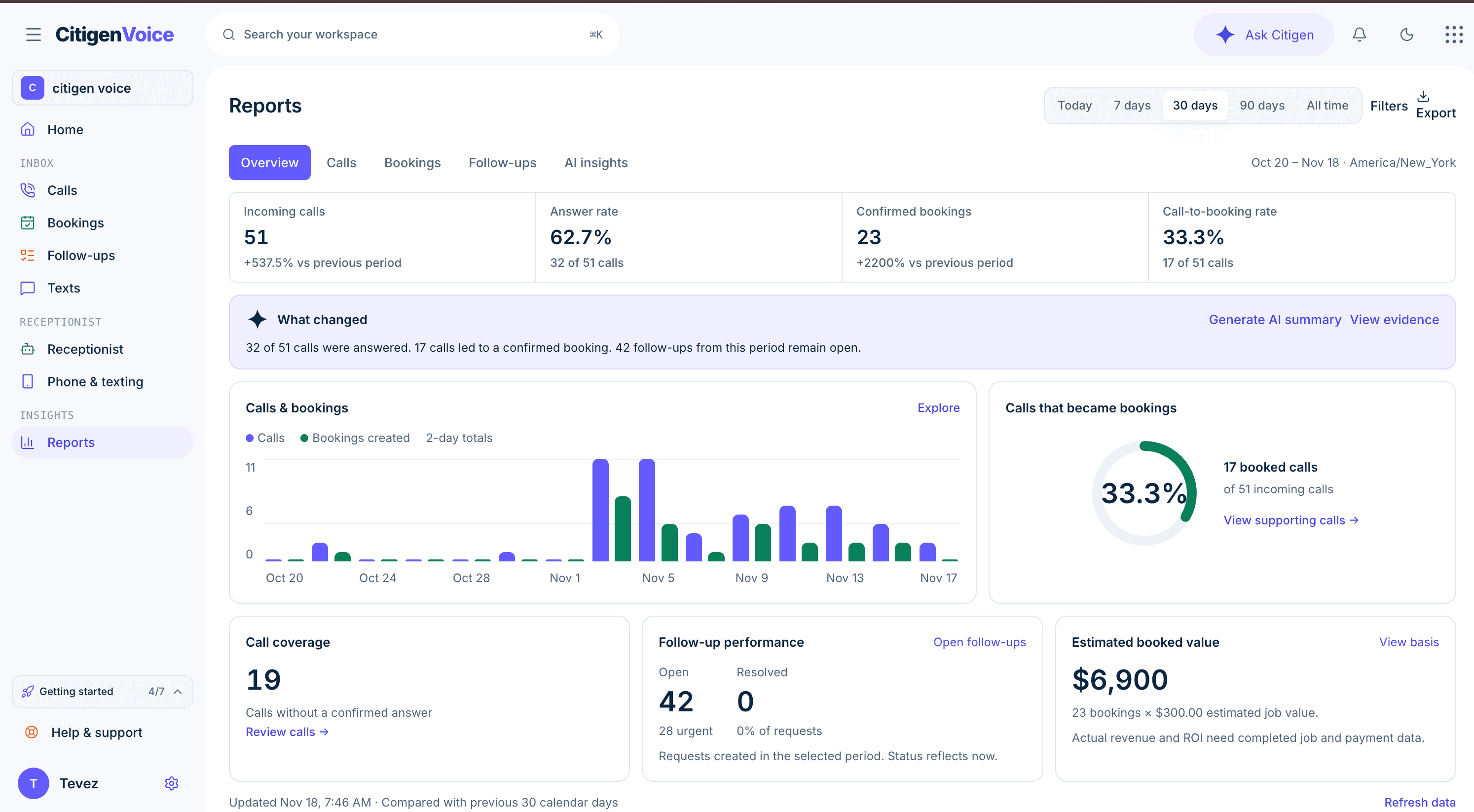
Answered calls, confirmed bookings, and follow-ups still open.
AI receptionist
Caller · The air is cold.
Citigen · What’s the service address?
Voice
HVAC repair · urgent
Address, problem, coverage
Text
You’re booked for tomorrow at 9.
Booking confirmation
Call routing
On-call tech
Rings when your rules say to
AI summaries
AC not cooling upstairs
Check the supporting record
Analytics
What the report shows after the call.
Examples of what the office keeps. Not a live account.
The receptionist takes the address, the problem, and whether you cover it.
Hours, service area, and who to ring stay under your rules.
Ask what happened on a call without leaving the dashboard.
Clear answers for owners who need to know what happens when the call comes in.
Read about securityYes. You can forward your existing number to your receptionist. We check the routing and backup number with you during setup before you go live.
Citigen checks available times in your connected Google Calendar or Cal.com, follows your booking rules, and confirms the selected appointment. Your team can review bookings in the dashboard.
It follows your transfer rules and rings your team, or captures a follow-up request with the details so someone can call back.
Recording is off by default. Transcript retention follows your settings, and workspace access is limited to invited team members. Read our security and privacy pages for details.
The receptionist answers, books the job, and texts the confirmation.